
Screen-Pop Done Right: CRM Records on the First Ring, Not After Transfer #3
“When a customer calls, we want their CRM record on the agent’s screen before they answer.” — the most common call-center integration request, and the one that breaks most often. The pop works on the first ring, dies on transfer #3, data sometimes never reaches the queue, and agents resort to manual search.
This post covers how RustPBX solves it, and why the details matter.
The Classic Wrong Way
Many integrations bind the pop to the first ringing leg: the CRM listens for a SIP event, extracts the caller number, and shows the record. It breaks the moment:
- The call transfers — the new leg carries no data
- The call overflows to another skill group — the new INVITE is a brand-new leg
- Two customers call simultaneously — data gets attributed to the wrong call
The pop must fire on every ring, with data that rides with the call, not the leg.
How RustPBX Does It
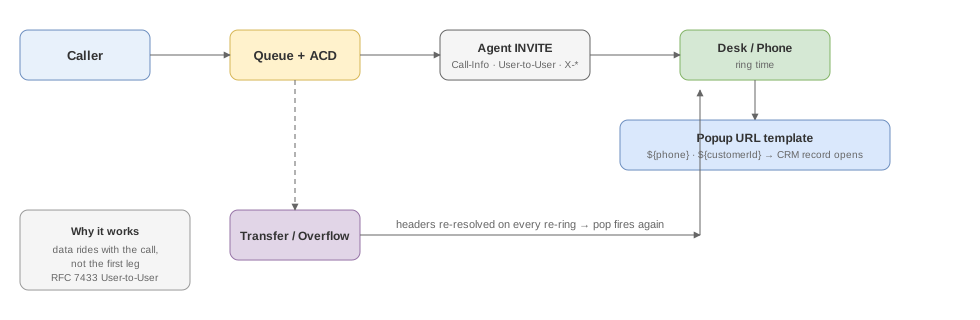
1. Data rides with the call, not the leg
The queue tracker records an entry trace — caller number, IVR business type, session id, plus any custom X-<key> data your routing attached. When the call is dispatched, that data becomes standard headers on the agent INVITE:
Call-Info: <https://crm.example.com/lookup?phone=8613800001001>
User-to-User: <sessionId=abc123;encoding=hex>
X-Campaign: summer-promo
User-to-User follows RFC 7433, so desks that support it decode natively. Custom keys are one header each (X-<key>: value) — the aggregated single X-User-Data form is deprecated.
And critically: these headers are re-resolved and re-applied on every re-ring (dynamic dial-list re-resolution). A call can transfer, overflow, and bounce between agents — the pop data reappears each time.
2. The desk side: a URL template, not an integration
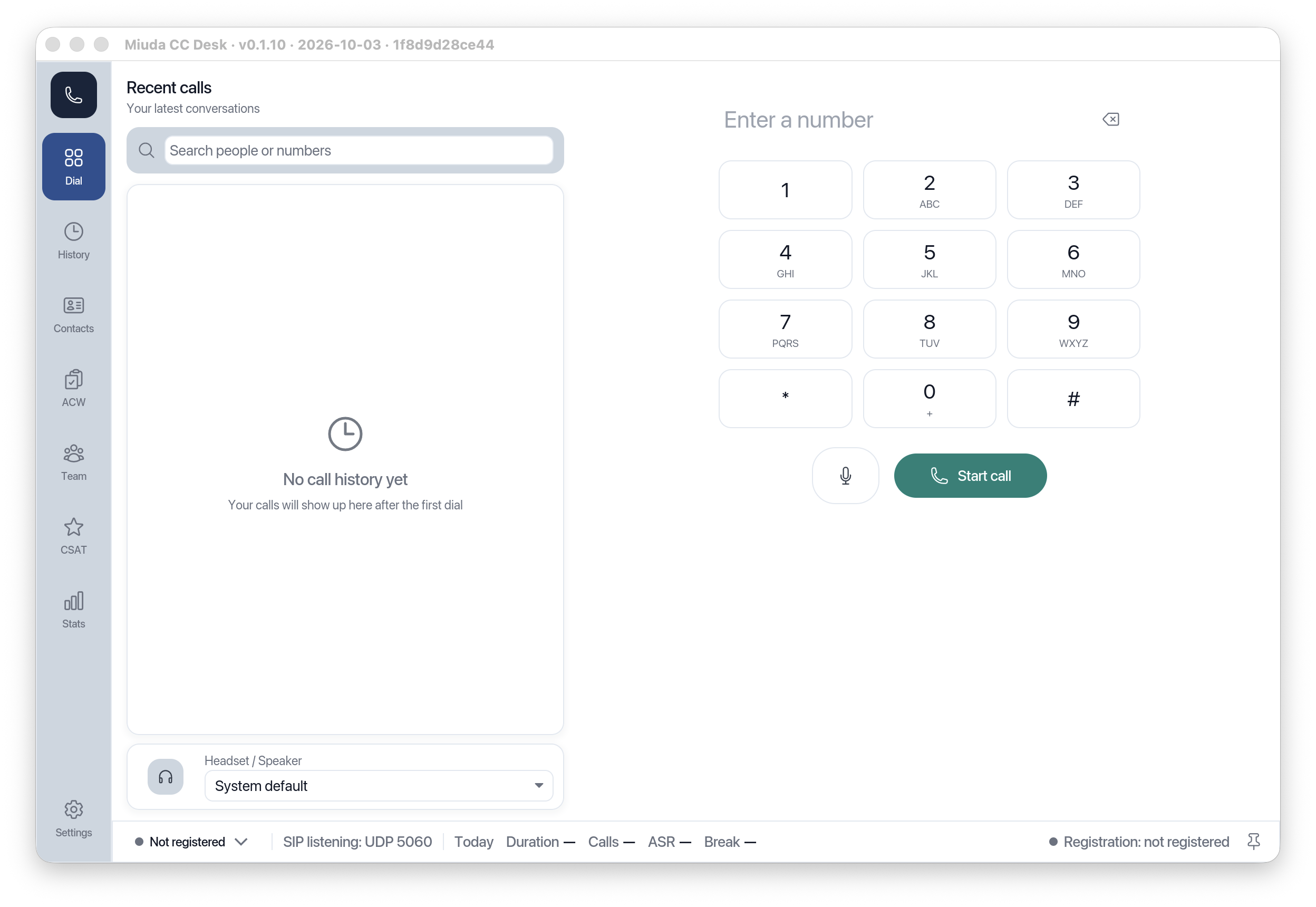
The agent workstations (web CC Desk and the RustPhone PC client) hold a popup URL template:
https://crm.example.com/customer/${customerId}?phone=${phone}
At ring time the values are substituted and the URL opens in the agent’s default browser. The phone and the CRM stay separate applications — a deliberate choice that avoids the performance ceiling and flakiness of embedded-browser integrations.
3. Or let the CRM listen
Teams with an existing event pipeline can skip URLs entirely and consume the ringing leg directly: every key arrives as its own X-<key>: value header, alongside Call-Info / User-to-User. Call records store the same trace for after-the-fact reconciliation.
4. Transfers need one config line
When a call transfers to an external destination whose system needs the same context, enable header passthrough on the trunk:
# config/trunks/partner-carrier.toml
header_passthrough = { mode = "x_only" }   # forward X- headers only
# or explicitly:
header_passthrough = { mode = "whitelist", whitelist = ["X-Campaign"] }
Standard SIP headers are never forwarded; unset means custom headers don’t leave the platform. Consult-transfer recording segments keep the user data attached too, so evidence stays correlated per interaction.
The End-to-End Desk Flow
- Inbound → queue → ACD picks the agent
- INVITE with trace headers hits the agent’s device
- The workstation matches the popup template → CRM record opens at ring time
- Agent answers with context; after a consult transfer, the pop fires again on the new ring
- The call record keeps the whole trace for audit
That’s the difference between “screen-pop” as a feature checkbox and screen-pop as a system guarantee. Setup details: Agent Desk & Clients and Agent Management.