
RustPBX Basics: Voicemail — Mailboxes That Manage Themselves
Voicemail is an old feature, and that’s exactly why the rough edges matter: provisioning mailboxes one by one, lost messages, no notification chain. RustPBX’s Voicemail Pro addon was designed to be enabled once and then get out of the way.
Enable It
[proxy]
addons = ["voicemail"]
On boot the addon creates its tables (voicemail_box, voicemail_message) and wires addon lifecycle hooks. From this moment, every extension automatically has a mailbox — create an extension, and its mailbox exists; delete the extension, and the mailbox plus its messages are cleaned up. No per-extension provisioning step.
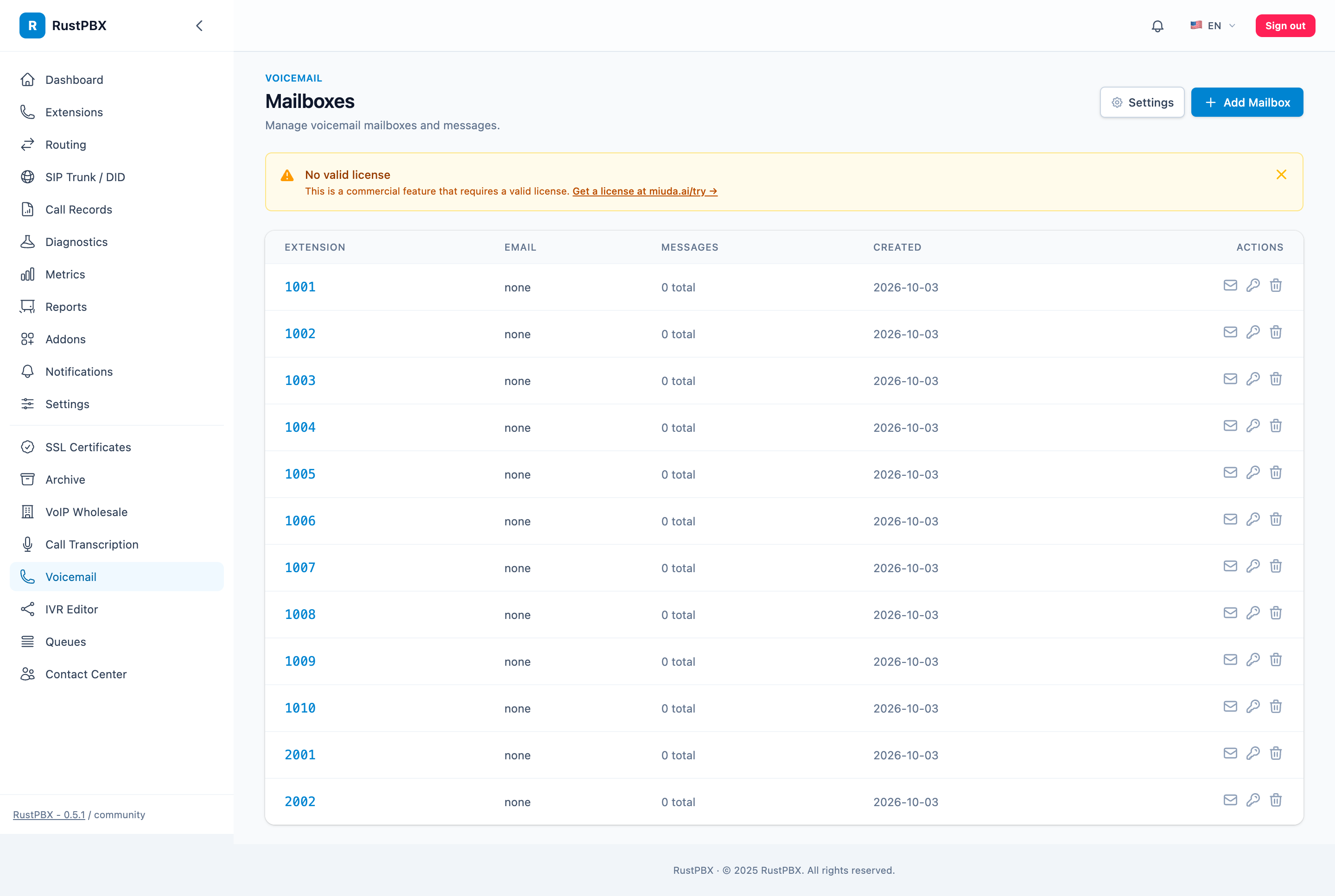
The Message Flow
- A call reaches an extension (directly, from a queue overflow, or from night mode).
- Nobody answers within the timeout → the call lands in the mailbox with the greeting.
- The caller leaves a message; it’s stored (locally or on object storage).
- MWI (RFC 3842 Message Waiting Indication) notifies the extension via SIP NOTIFY.
- Optionally, an email notification fires through the SMTP settings.
The Greeting
Set a PBX-wide default so every mailbox sounds intentional:
[proxy]
voicemail_greeting = "sounds/greeting.wav"
Apps and dialplan params can still pass their own greeting_path per call — the global default is the floor, not the ceiling.
Using Voicemail as a Safety Net
Voicemail shines as the last link in ACD chains: queue overflows → senior group → voicemail. Night mode can route straight to voicemail (see after-hours handling), and IVR flows can drop into a mailbox as their fallback action. One subsystem, three safety nets.
Storage and Retention
Mailboxes use the platform’s [storage] backend — local disk by default, S3/Azure/GCS for clusters — so retention and lifecycle policies apply to voicemail just like call recordings.
Full guide: Voicemail Pro.