
Transcription Built Into the Call Path: Plans, Live Streams and Wrap-Up Notes
Transcription is usually bolted on after the fact: record the call, upload it somewhere, run ASR, reconcile the text back to the call id by filename. It works until someone asks “what did the customer say during the call?”
RustPBX puts transcription in the call path, per call, with the policy you specify.
Per-Call Plans, Not a Global Switch
Transcription is configured as a plan: provider, language, and whether to auto-start — decided per call, not globally:
- Auto-start for support queues; off for internal extensions
- Language per IVR selection (the customer picked Spanish at the menu)
- Provider per plan (cheap batch ASR for volume, premium streaming for VIP)
This runs off the platform’s ASR integration, so switching providers is configuration, not a migration.
Live Streams for Agent Assist
During the call, live transcription can be consumed over an SSE endpoint — the stream an agent-assist UI subscribes to for real-time hints, or that a supervisor watches for escalation keywords. Because the stream is tied to the call, no audio leaves the PBX to make it work.
The CC desk uses this for the “live coach” surface; the same stream feeds external AI tooling.
Wrap-Up and CDR
When the call ends, results land on the call record:
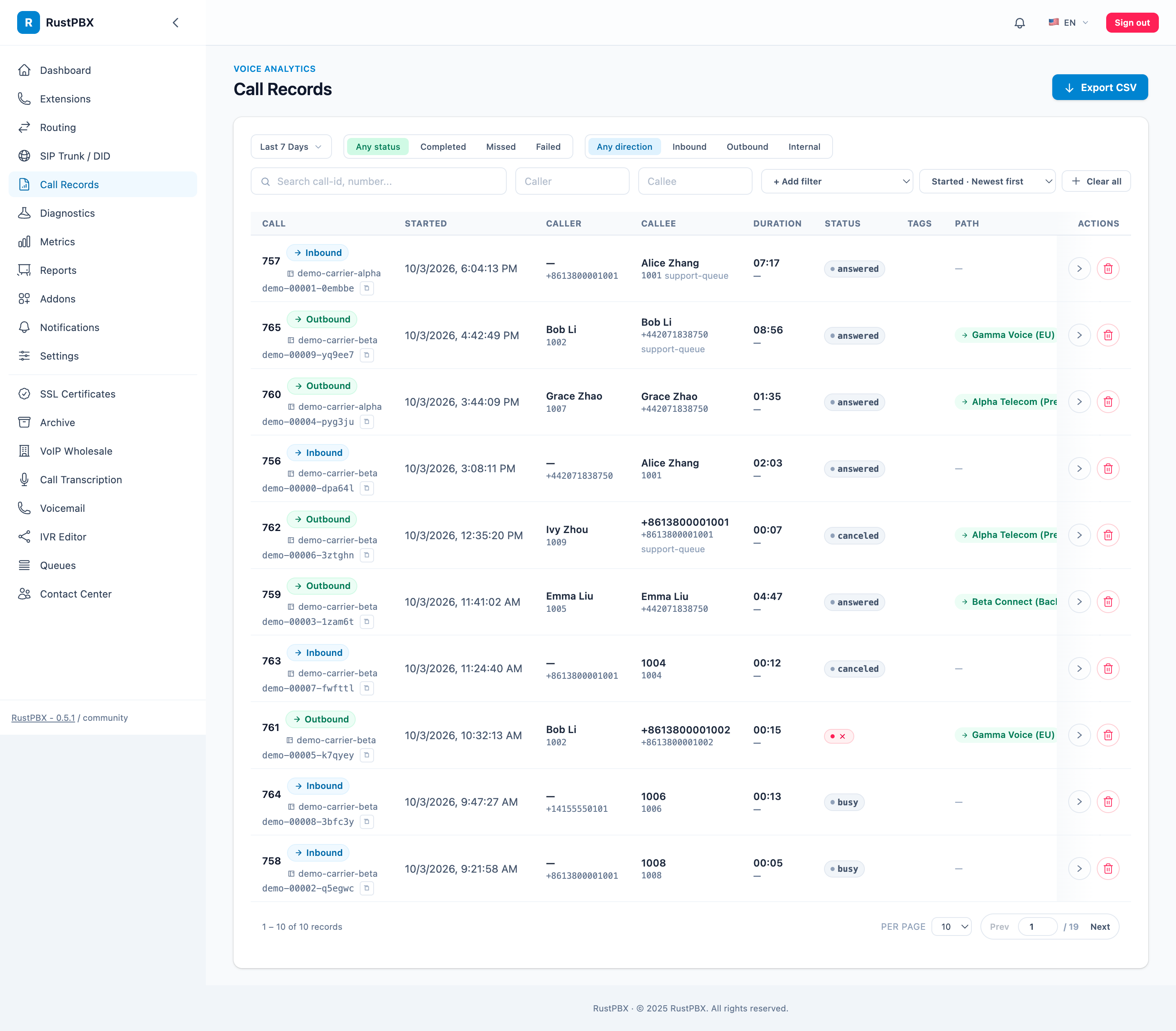
has_transcript/transcript_status/transcript_languageon the CDR- The transcript itself attached as a call artifact, retrievable via the session-artifacts API
- Searchable alongside the recording segments (per-segment recording ids and metadata already correlate text to audio)
Quality reviewers get call + audio + text in one place, keyed the same way, without filename archaeology.
How It Fits the Bot Story
Transcription is the assist layer under the AI-voice story:
- Step IVR / realtime bot handles the conversation (see AI voice bots with handoff)
- Transcription records it and streams it to anyone watching
- Post-call summaries and QA searches run on the transcript attached to the record
One call, one session id, one CDR — bot phase and human phase included.
Configuration Notes
- Enable the
transcriptaddon for the offline/batch pipeline; per-call plans drive live behavior - Recording and transcription are independent — you can transcribe without storing audio, subject to policy
- Language detection: set it per plan; don’t rely on a single global language for mixed-audience queues
Guides: Diagnostics → transcription fields and the contact-center reports that consume it.