
RustPBX Basics: CDR — Every Call, Fully Explained
A call detail record is only as useful as the questions it can answer. “Who called whom, when, and how long” is table stakes. The questions that actually matter at 2 AM are: why did it fail, which route did it take, was the audio bad on our side or the carrier’s, and did it transfer, and where. RustPBX CDRs are built to answer those without opening a PCAP.
What’s in a Record
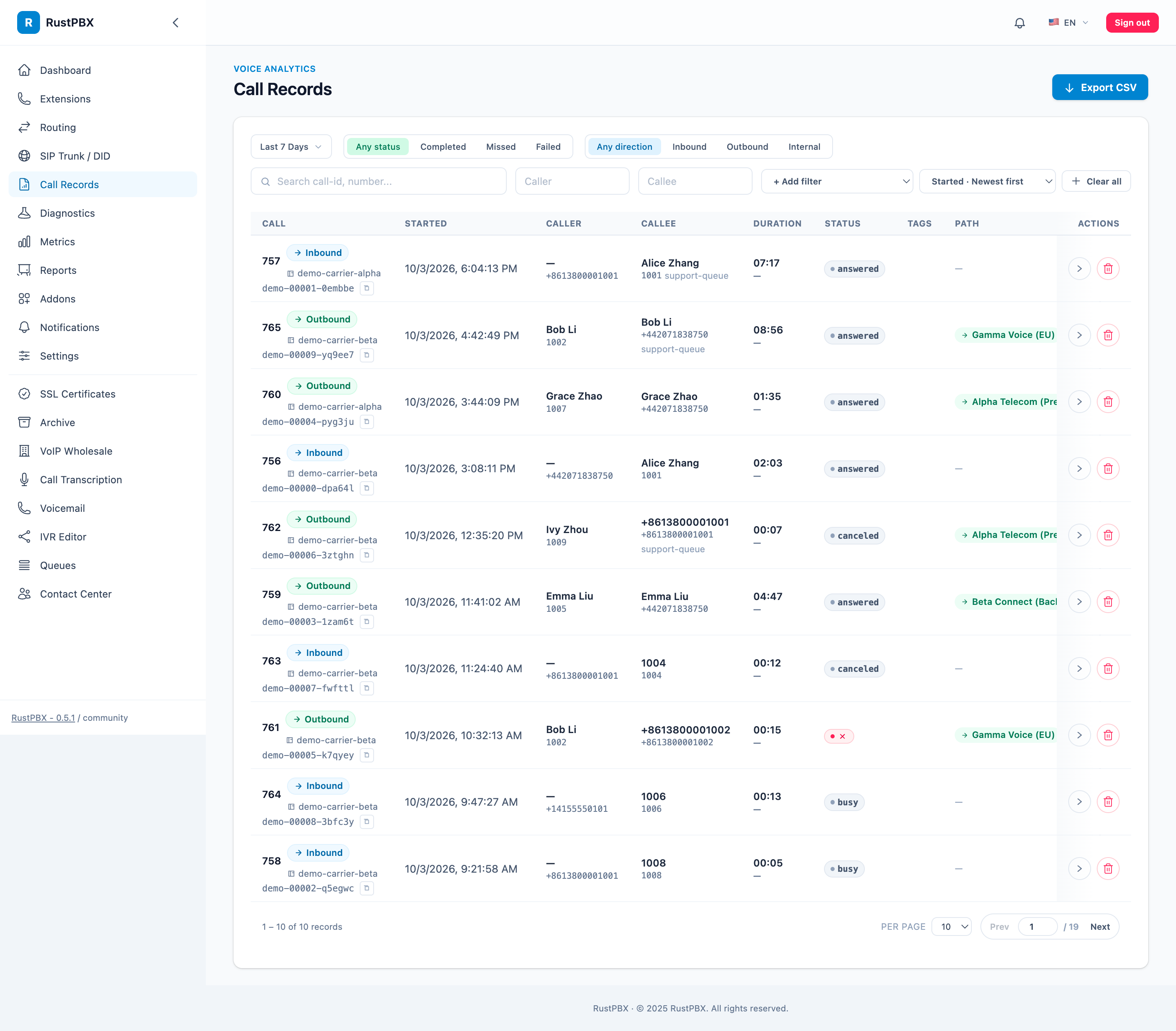
Beyond the basics (call id, direction, status, timestamps, duration, from/to, trunk, gateway), each CDR carries:
| Field group | What it tells you |
|---|---|
session_id | Root id of the logical call — every child leg (queue dispatch, transfer) inherits it, so GROUP BY session_id aggregates the whole story |
| Leg timeline | Ring / answer / hold / transfer markers per leg |
route_id + name | Which routing rule matched — attribution is exact, not guessed |
sip_status_code + hangup_reason | Final response and a normalized reason (caller, noAnswer, canceled, …) |
| Media evidence | media_loss_pct, media_jitter_ms, media_rtt_ms from RTCP, plus proxy.leg_media_incomplete for silent legs |
| Error reference | Unified call_error catalog entry for call-affecting failures |
| Transcription | has_transcript / status when transcription is enabled |
Query and Export
The console’s Call Records view filters by time, direction, status, extension, and trunk — and opens a detail page with the leg timeline, call trace, and (with SipFlow configured) the full signaling ladder.
Programmatically:
curl -H "Authorization: Bearer <token>" \
  "http://<host>:8080/api/call-records?page=1&per_page=50&filters[status]=failed"
CSV export is one click in the console (/call-records/export), and CDR JSON download is available per record (/call-records/{id}/cdr-json).
The Detail Page: One Call, Whole Story
Open any record and you get:
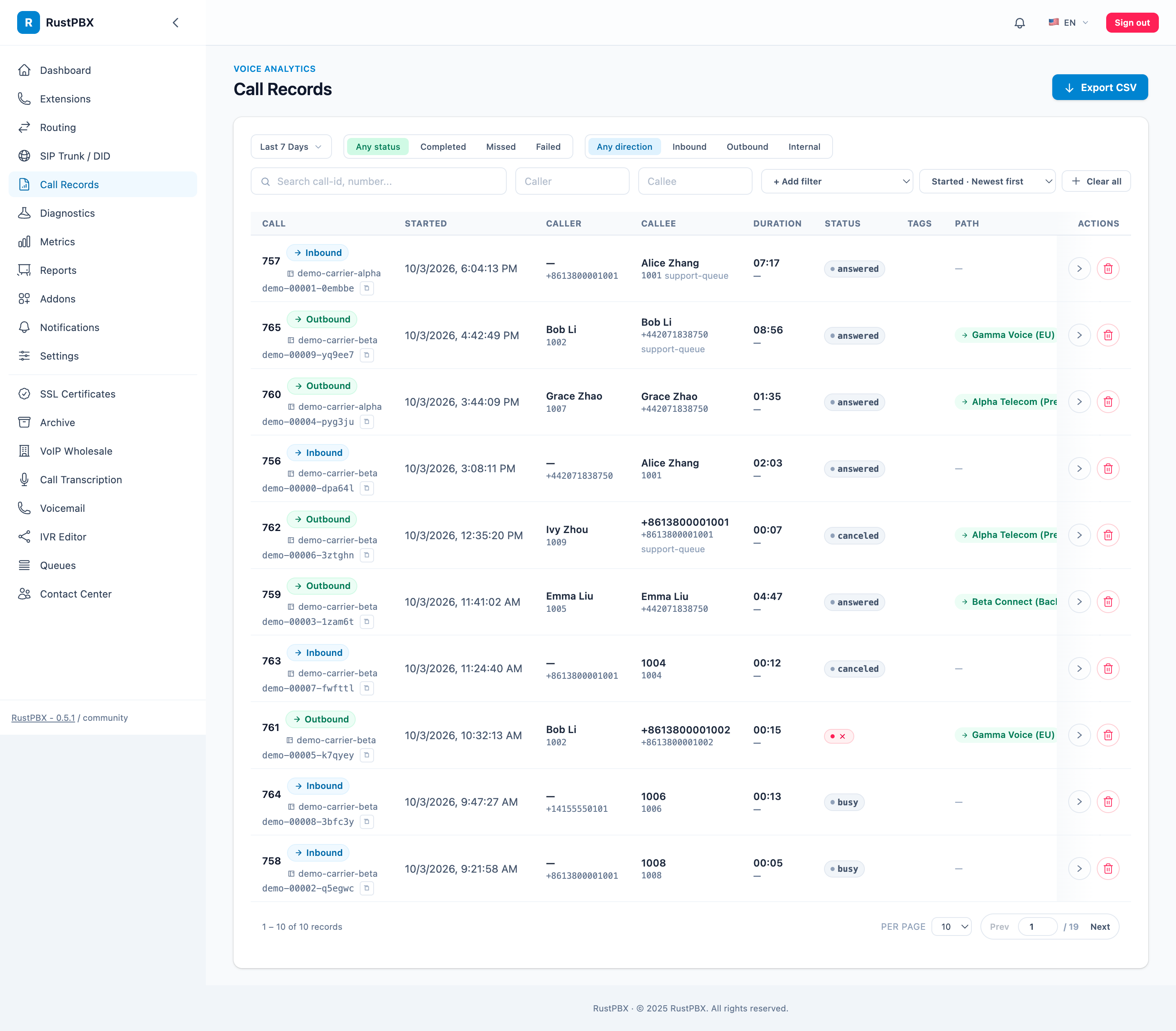
- Leg timeline — every leg with its ring/answer/hold/transfer markers
- Matched route — id and name of the rule that served the call
- Call trace — the ordered event stream, including the unified
call_errorentry when something failed - Media quality — RTCP-derived numbers per trunk leg
- Recordings — per-segment, playable and downloadable
“Why did this call sound bad / fail” stops being a Wireshark session and becomes a detail page.
Two Query Patterns Worth Knowing
Aggregate the logical call, not the legs. A queue dispatch or transfer creates child legs; GROUP BY session_id folds them back into one story. Counting raw legs is the classic way to double your call volume in reports.
Prove carrier disputes with media evidence. media_loss_pct / media_jitter_ms / media_rtt_ms come from RTCP on the trunk-facing leg — when a carrier claims “no problems reported”, the CDR already has the counters, per leg, per call. Silent legs (no media at all) are flagged proxy.leg_media_incomplete so they don’t inflate answer rates.
Retention
CDRs live in the platform database (SQLite/MySQL/PostgreSQL); recordings follow [storage]. For long retention, the archive addon moves aged records to CSV/archives, and S3 lifecycle rules manage the media — the database stays lean.
Feeding It Elsewhere
- Webhooks — RWI webhook pushes call events to external systems with retry and idempotency keys.
- Batched hooks — wholesale and addons consume call records through batched pipelines, so high call volumes don’t tax the media path.
- Reports — the
/reports/v2/*API aggregates CDRs by time bucket, trunk, and domain for dashboards.
More: Diagnostics and the Call Records guide.